










Google Drive Photos Backup Change Starts Today: What Users Need to Know
Technology | August 10, 2026
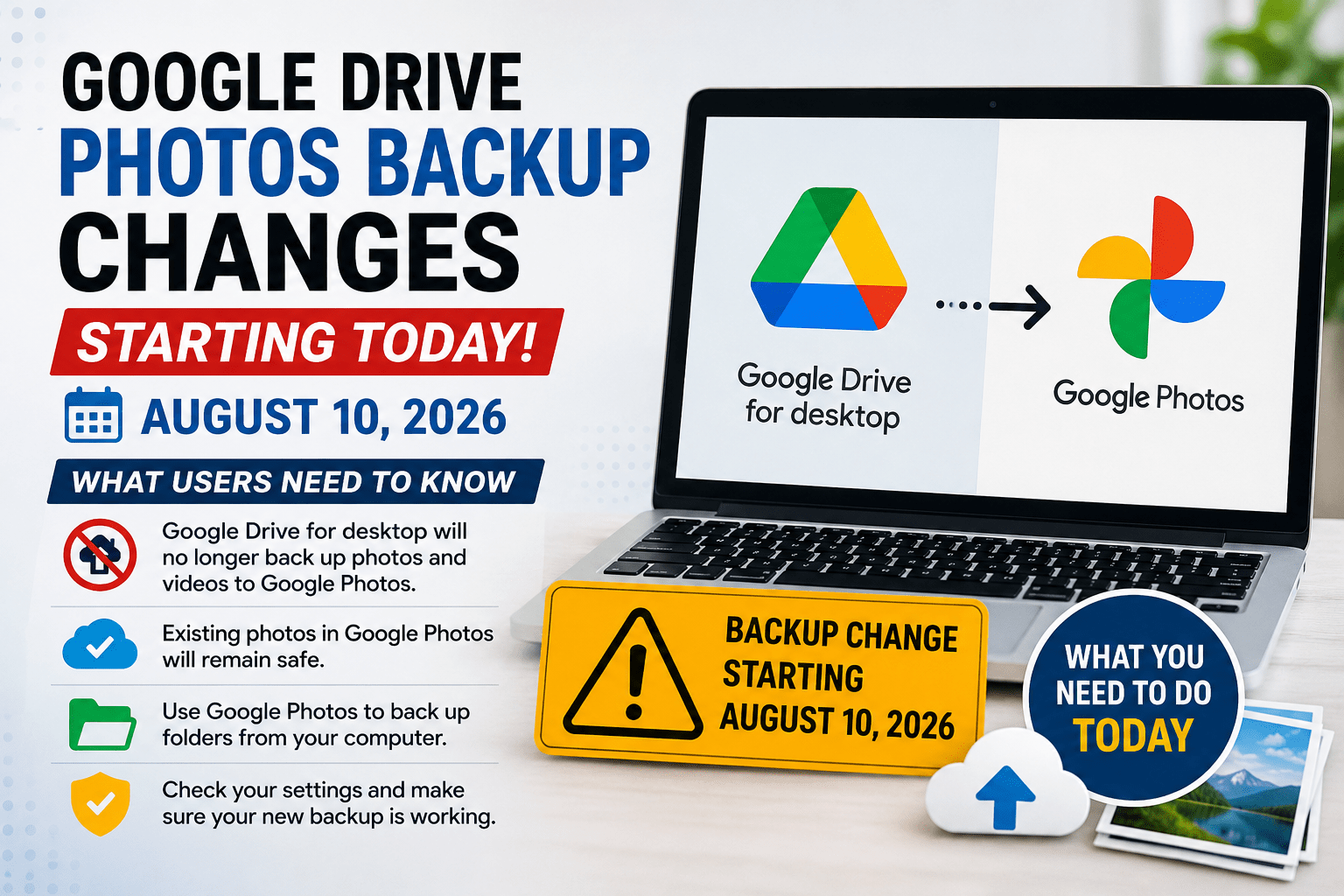
Google has started a major change to the way photos and videos are backed up from computers. From August 10, 2026, Google Drive for desktop will no longer support backing up photos and videos directly to Google Photos.
The change mainly affects users who have been using the Google Drive for desktop application to automatically back up folders containing photos and videos to Google Photos. Google says users who want to continue backing up their computer folders should now use the backup option available through Google Photos.
What Is Changing?
Previously, users could select folders on their Windows or Mac computers through Google Drive for desktop and enable the option to back up photos and videos to Google Photos.
That feature ends on August 10, 2026.
After the change, users will no longer be able to rely on Google Drive for desktop to automatically send new photos and videos to Google Photos. Users will need to configure their photo backup directly through Google Photos instead.
Will Existing Photos Be Deleted?
No.
Photos and videos that have already been successfully backed up to Google Photos will remain there. Turning off or ending the Drive-based backup does not automatically delete previously uploaded photos.
Google says stopping a folder backup only prevents future uploads. Existing photos remain in Google Photos unless users manually delete them.
Who Is Affected?
The change is particularly important for people who:
- Use Google Drive for desktop on a Windows or Mac computer
- Have selected computer folders for Google Photos backup
- Store large photo or video collections on their computers
- Rely on Drive for desktop for automatic photo backups
If you don’t use Google Drive for desktop to back up photos to Google Photos, there may be no action required.
How to Continue Backing Up Photos
Google recommends using the Google Photos website to continue backing up folders from a computer.
Users can open Google Photos, choose Create → Add photos → Back up folders, and then select the folders they want to back up. Google says the Photos web experience can automatically back up selected folders while the Google Photos tab remains open or the Photos web app is running.
Google Photos Help: Back up photos and videos
What Users Should Do Today
If you currently use Drive for desktop for Google Photos backups, it is a good idea to check your backup settings.
Step 1: Check Your Drive Backup Settings
Open Google Drive for desktop and check whether any folders are configured to back up to Google Photos.
Step 2: Move Your Backup Setup to Google Photos
Open Google Photos and configure Back up folders for the folders containing your photos and videos.
Step 3: Verify the Backup
After setting up the new backup, check Google Photos to make sure recent photos and videos are appearing correctly.
Google recommends checking the backup status to confirm that uploads have completed successfully.
Be Careful About Duplicate Uploads
Users moving from the old Drive-based process should check what has already been uploaded before creating a new backup configuration.
Google Photos identifies previously backed-up content and its support documentation says content that has already been backed up will not normally be reuploaded simply because a folder is added to backup again.
Google Drive and Google Photos Are Still Available
This change does not mean Google Drive or Google Photos is shutting down.
Google Drive continues to provide cloud file storage, while Google Photos remains Google’s dedicated service for storing, organizing and backing up photos and videos.
The change is specifically about the Google Drive for desktop → Google Photos backup functionality.
What About Photos Already Stored in Google Drive?
Photos stored as files in Google Drive are not automatically deleted because of this change.
However, users should understand the difference between storing a file in Google Drive and backing up a photo to Google Photos. If you need your computer’s photos to appear in Google Photos automatically, you should configure the backup through Google Photos.
Why This Change Matters
For users with years of family photos, travel pictures, work images or videos stored on a computer, automatic backup can be an important part of their data-protection strategy.
Missing the change could mean that newly added photos are no longer being backed up to Google Photos through the old Drive for desktop setup.
That is why users who depend on this feature should check their settings and confirm that their new backup method is working.
Key Takeaways
- Change begins: August 10, 2026
- Affected service: Google Drive for desktop
- Feature ending: Direct photo and video backup to Google Photos
- Existing Google Photos backups: Remain available
- Recommended alternative: Set up folder backup through Google Photos
- Important: Verify that new photos are actually being backed up
Bottom Line
Google’s latest change is important for anyone who has been using Google Drive for desktop to automatically back up computer photos and videos to Google Photos.
Your existing Google Photos library is not being deleted. However, if you rely on the old Drive for desktop backup system, you should switch to Google’s new recommended backup method and verify your settings today.
For users who value their photos and videos, it is also wise to keep an additional copy on an external drive or another trusted backup service rather than relying on a single backup location.
Stay tuned to Boliya Views for more technology updates, Google news and useful digital tips.